
July 29, 2025
Fresh look for your Customer Portal – with the same trusted features
To make using our SEEBURGER Customer Portal as pleasant as possible, we are gradually modernizing the user interface – without compromising on proven functionality. Additionally, we are currently developing the new “Dashboard” menu item.
What’s new?
We are starting with the Service Monitor app:
It has been visually redesigned and technically updated. You can look forward to a modern and clear design:
- • Optimized visual design: The interface now appears fresher and more contemporary.
- • Angular technology: Offers better performance and shorter loading times – especially beneficial for complex applications and large user interfaces.
- • New technical possibilities: The switch to Angular opens up many new features that were previously technically limited.
- • Color-coded status display: Status values in the table are highlighted with colors, making them easier to interpret.
- • New “Dashboard” menu item (available soon): Provides a quick overview of the status of your BIS systems.
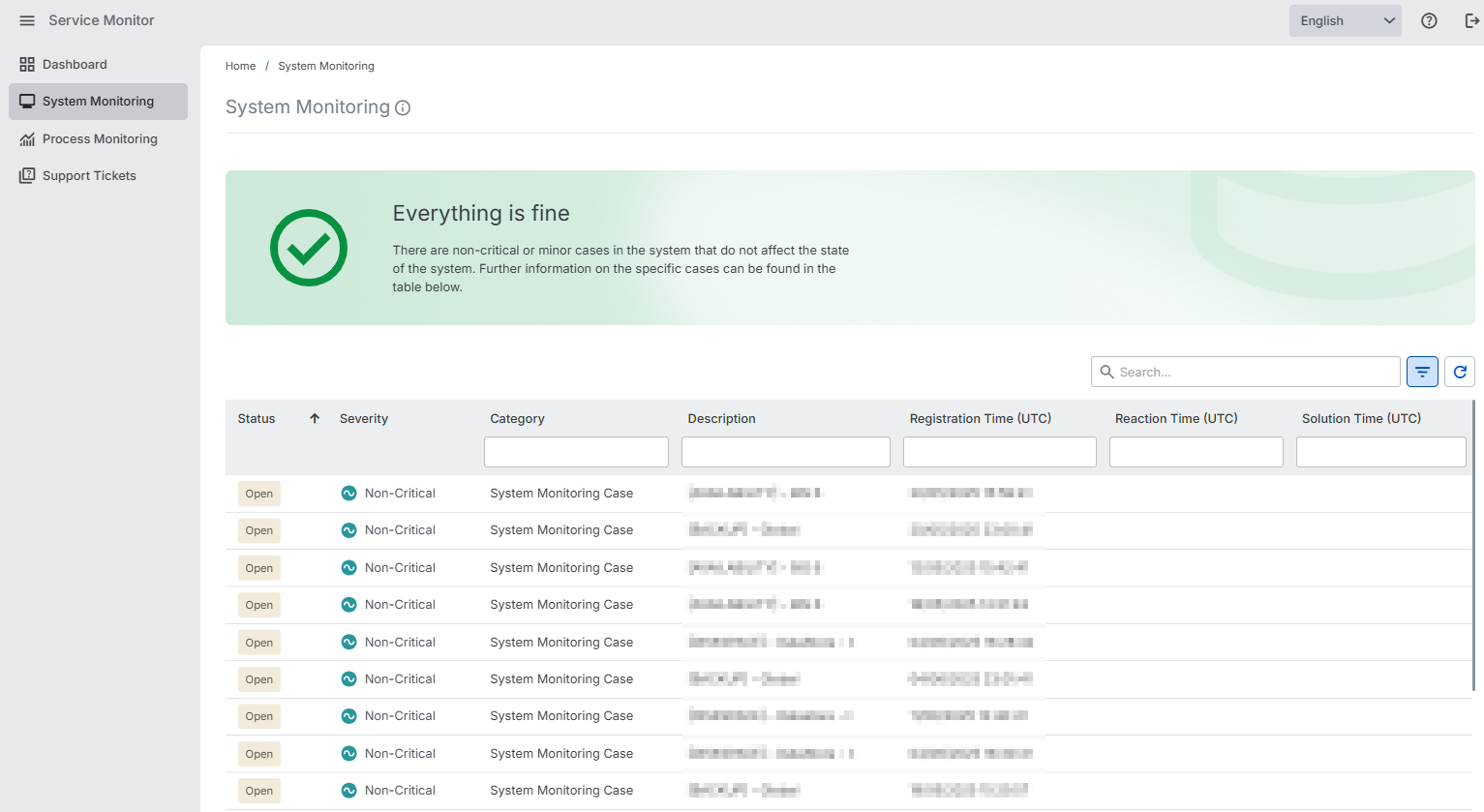
Where can I find what?
You can open the Service Monitor as usual from the Administration app.
The event calendar posed greater challenges, but we are currently working on updating this menu item as well. Until then, you can continue to access the event calendar in its old design via the link in the Administration app under the “Upcoming Events” section.
This is just the beginning – We are planning further improvements to make your work in the SEEBURGER Customer Portal even more efficient and enjoyable.
Stay tuned and take a look at the new Service Monitor – it is worth it!
Service Monitor > all menu items, except Event Calendar
July 22, 2025
“My Roles” in the “Responsibilities” menu item
From now on, you can see all the contact roles that are assigned to your own contact in a new “My Roles” tab within the “Responsibilities” menu item.
You will only see the new tab in case a contact with the same email address as your user exists in the contact management of your company, and at least one role is assigned to this contact. Otherwise there is no need for you to see the new tab.
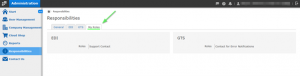
Administration > Responsibilities > “My Roles” tab
Lena Galizia (07252/96-2082, m.galizia@seeburger.com) will be happy to answer any questions you may have.